Embedded Rust for e-Paper
I’m happy to share my latest Embedded Rust exploits with a new e-paper driver for the exhaustively named LilyGo T5 E-Paper S3 Pro. I got Rust running on it last year but could never find a driver for the epaper screen that worked. I was never sure if it was mislabeled pins, or a bug in the driver. In any case, I got busy and moved on to other projects.
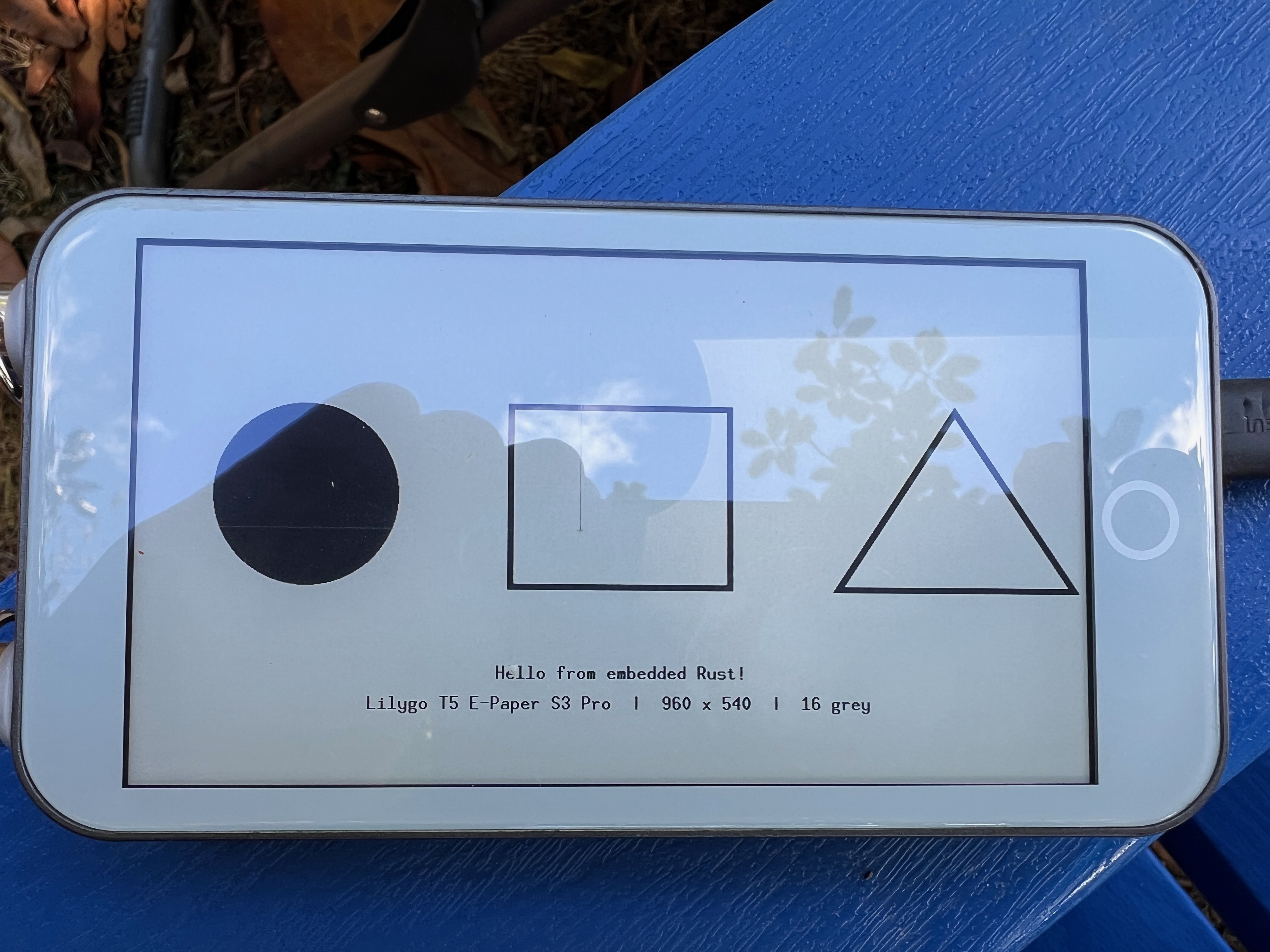
A few months ago I tried again using the power of LLMs and was able to get a variant of the common epdiy driver working. This simple graphics demo as a little piece of joy for me.
A Pure Rust embedded E-reader
Once I had it running I could focus on what I really wanted to do: build epaper games and an e-reader.
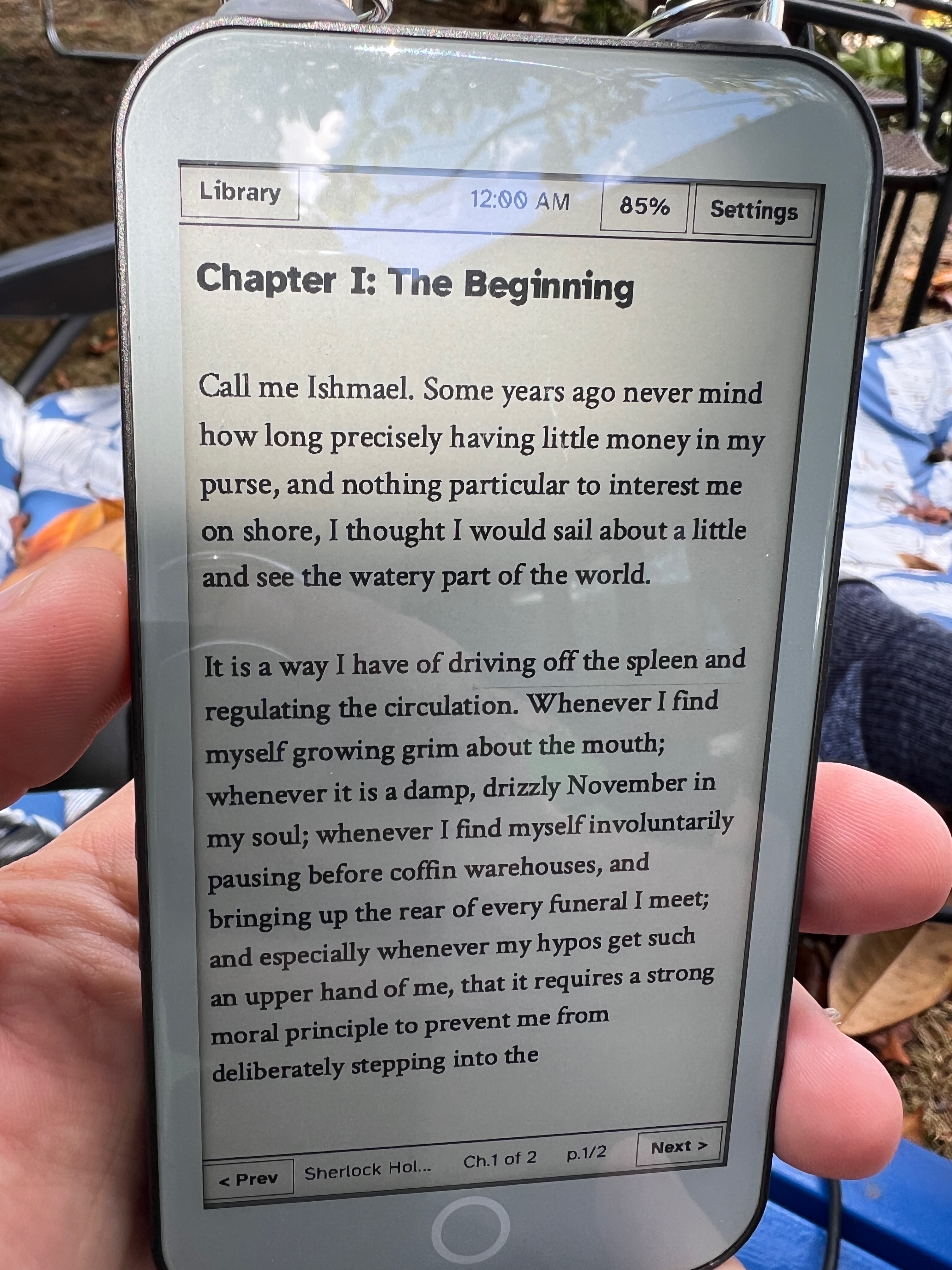
What you see above is the first chapter of Moby Dick, loaded directly from an unprocessed epub I downloaded from Project Gutenberg.
I’m particularly proud of the e-reader interface. It uses my iris_ui crate, now updated with e-paper support (and a ton of layout bugs fixed) to display the user interface; complete with dialogs and toggle buttons.
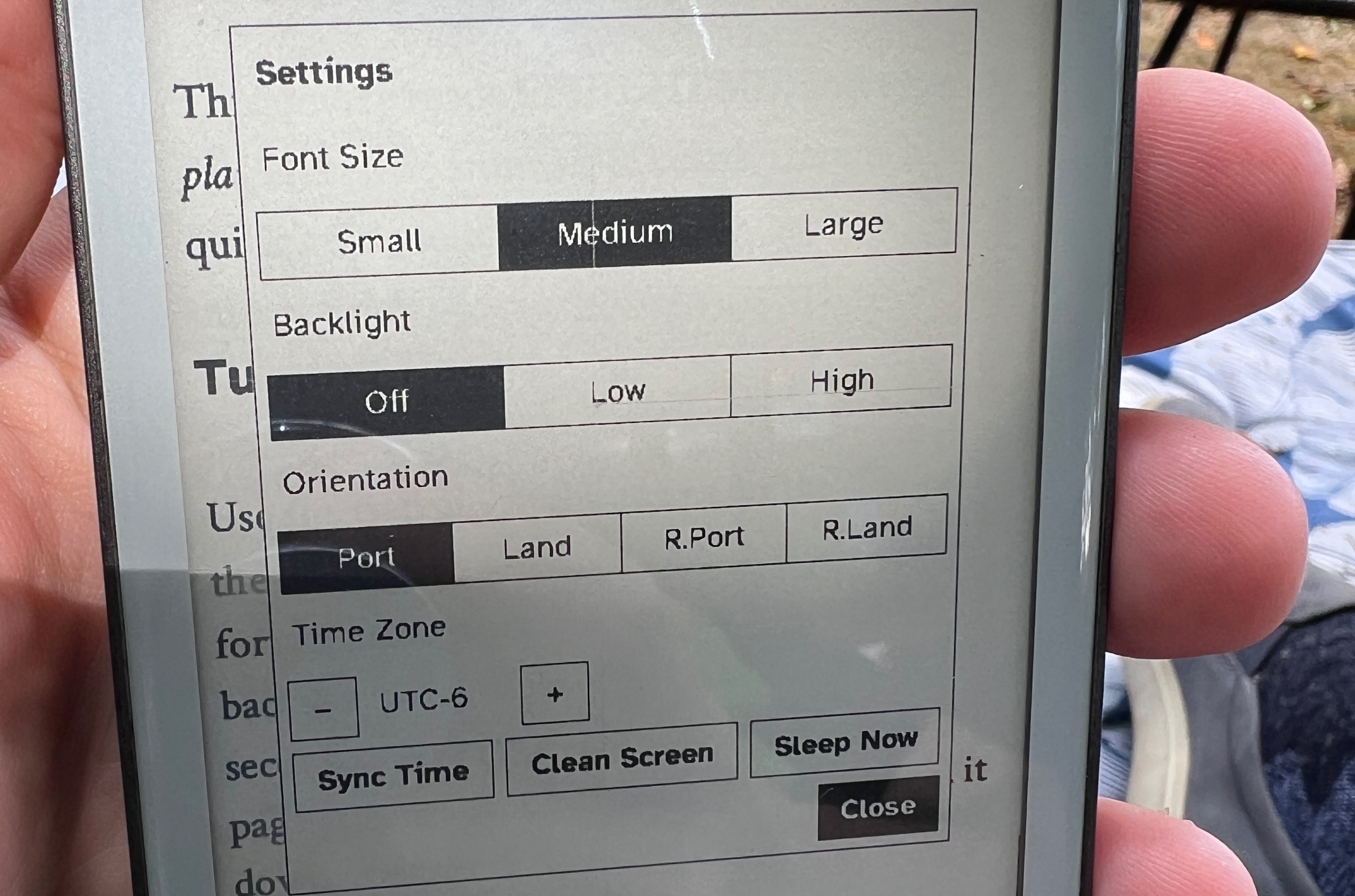
The toolkit is smart enough to track dirty rectangles and only update the parts of the screen that have changed. It does this automatically so e-paper screens are usable out of the box.
Typography and Font Rendering
I’m using fontdue for TrueType font support, though the toolkit supports bitmapped fonts as well.
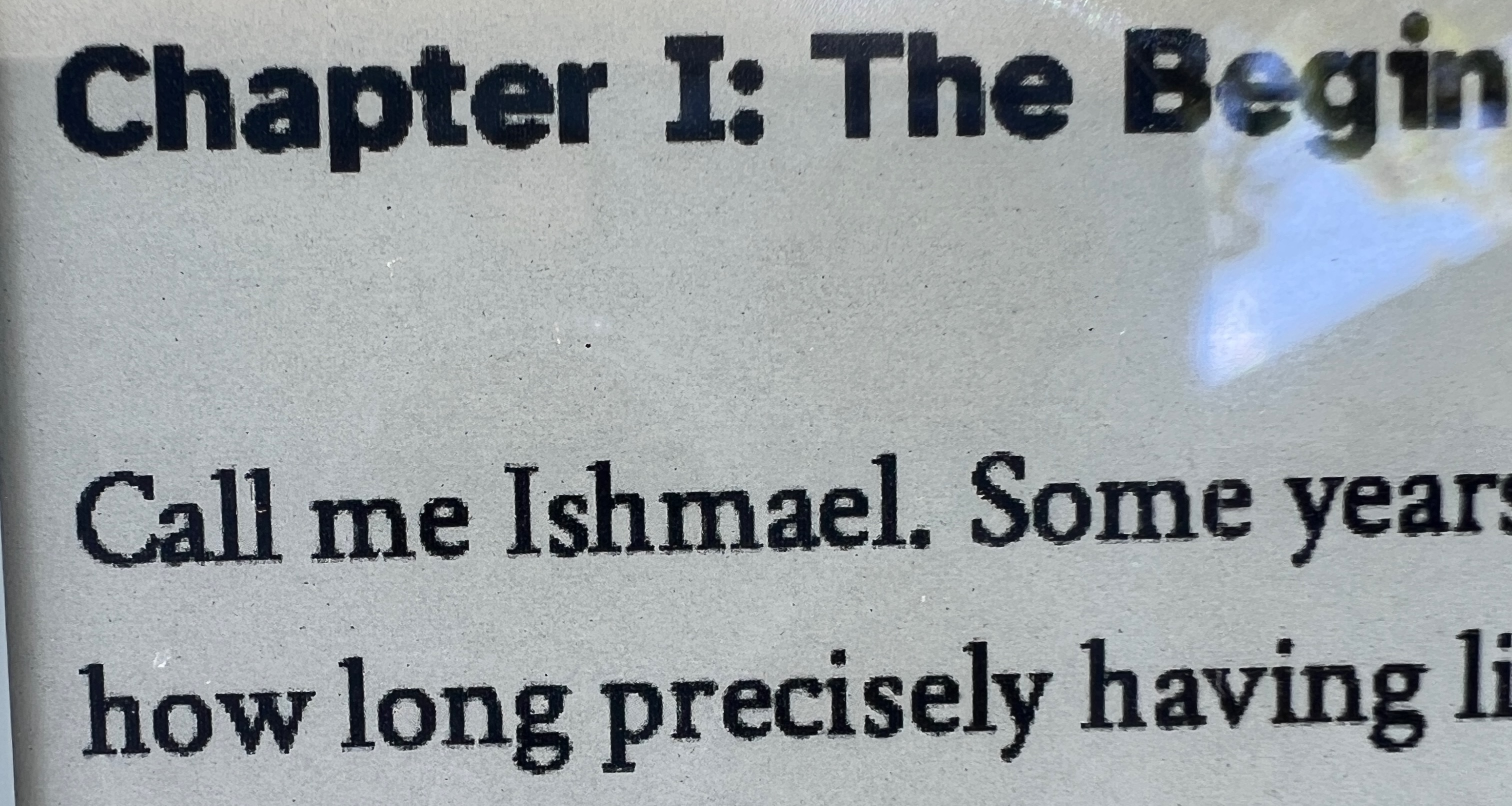
I spent a lot of time trying out different open source fonts to find one that looks good on e-paper and wouldn’t take up too much memory. I settled on Atkinson Hyperlegible for the UI font and Crimson Text for the book text font.
Rasterizing the fonts is surprisingly fast and only happens when the app starts from a cold boot, but it does take up a lot of memory. Even with the relatively large PSRAM budget of the T5 it’s still tight. I’m sure there’s more work I could do in the future to compress textures and lazily rasterize, but this works well enough for now.
The e-reader app contains a new epub parser and very simple HTML renderer. To ensure it doesn’t have to store the whole document in memory it saves the byte offset into the ebook instead of “pages”. If there’s interest I could move this epub parser into a separate crate.
Fast Paging
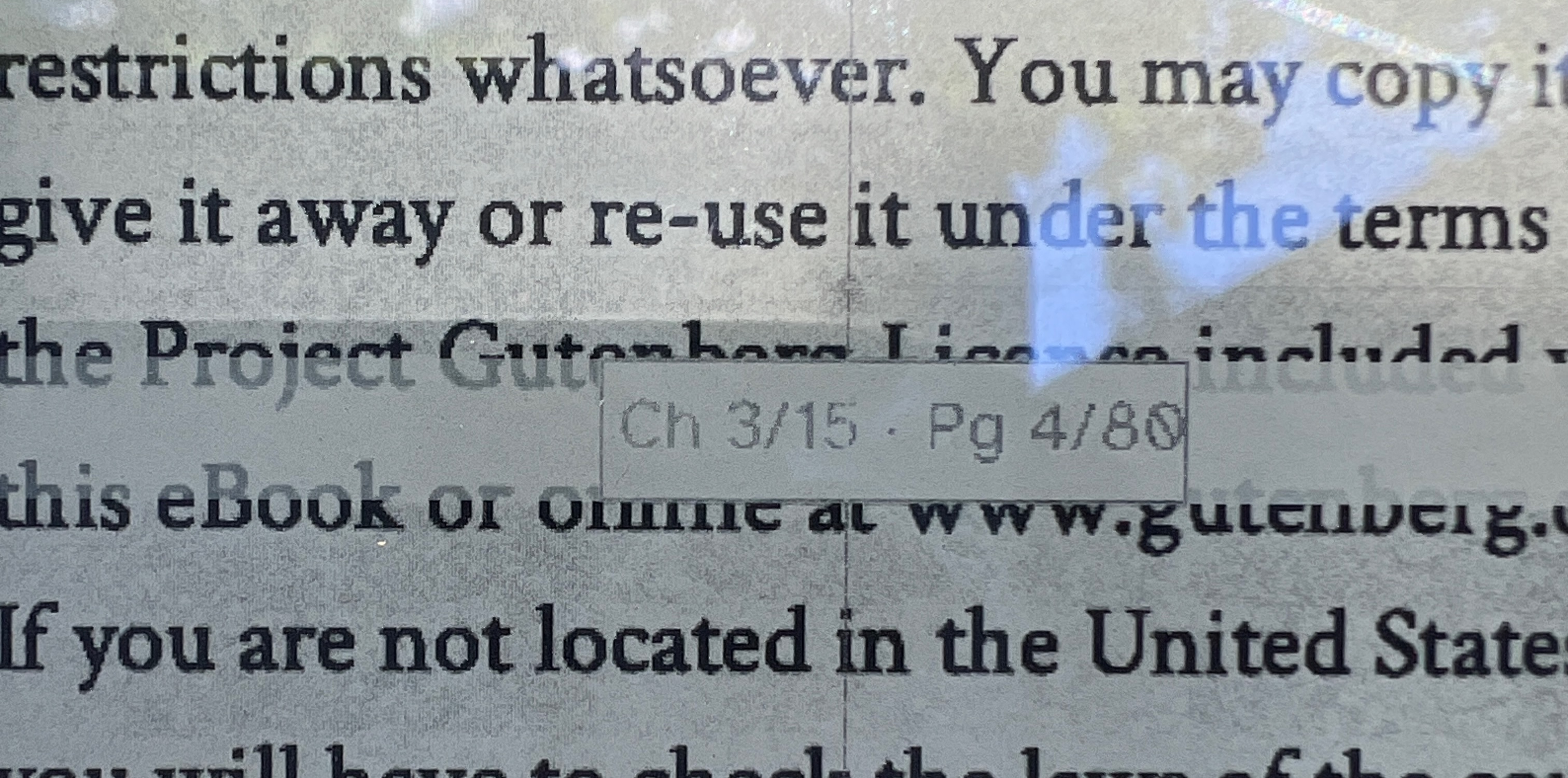
Speaking of pages, even with partial redraw optimizations epaper is still very slow to render. The user navigates one full page at a time instead of scrolling, but it’s still slow. To make jumping through many pages viable I implemented a fast paging mode. Pressing the up and down physical buttons will move one page at a time. Holding the button down will show a position panel in the middle of the screen showing the current chapter and page and then count forward one page at a time. It only redraws that small area in the middle so the screen refresh can be much faster. Once you release the button to choose your new page it will redraw the whole screen.
Coding with LLMs
I think this project shows the current sweet spot of LLMs. It can write the annoying code that doesn’t interest me but still needs to exist. I don’t actually care about epaper device drivers. I care about drawing cool stuff with epaper! The LLM (Codex in this case) wrote the code that I couldn’t or didn’t want to. It wasn’t magic, of course. I still helped by pointing it at similiar projects to learn from, but it did the bulk of the work in less than an hour. Once it had written the driver and project skeleton I set about writing more examples similar to the ones I wrote for the T-deck.
For updating the UI crate I used codex not so much for debugging but for the unit tests. Whenever I found a layout bug I had Codex write a new unit test to recreate the behavior. Then I can fix the bug and know it’s truly fixed and won’t regress.
Next I plan to clean up these libs and release them as proper crates. Have a great weekend!