Embedded Rust, Iris UI & E-Paper
A collection of Rust interfaces, hardware examples, and experimental e-paper software for ESP32 devices.
For the past few years I've built interfaces for small devices, creating both the UI toolkit, embedded firmware (largely in Rust or CircuitPython), example applications. Below are Rust examples for ESP32 boards, my Iris UI toolkit, and experiments to bring rust support to e-paper displays.
While I initially wrote all of this code by hand (and the architecture is still done by hand), I've been using AI agents to speed up building unit tests, debugging, and bringing up drivers for new hardware.
Iris UI
Iris UI is a no_std Rust UI library for embedded devices. It uses the embedded-graphics
traits and is designed for bandwidth-limited displays, such as the ones commonly attached
to cheap devices over SPI, as well as refresh limited e-paper displays.
Iris provides a scene graph, layout system, a common components like buttons, labels, text inputs,
toggles, and a simple theming system. It ensures accessibility across different input methods
(touch, keyboard, knobs, etc).
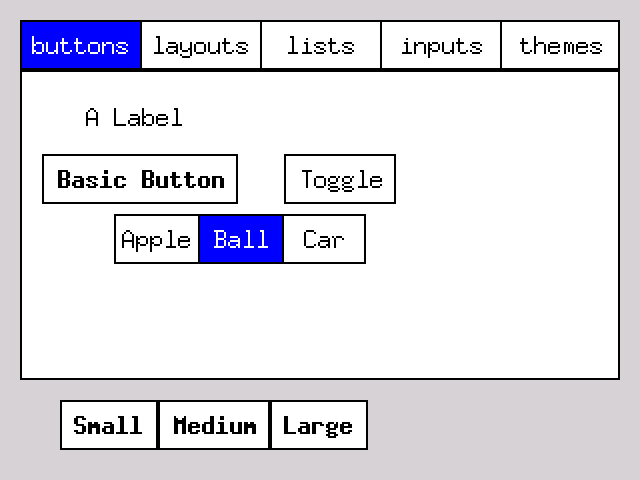
Iris leaves the app in control of its own event loop and dirty rect tracking limits repaints to only the changed areas, speeding up the perceived interaction on slow displays.
Rust on ESP32 hardware
I build some repos to show how to use embedded rust with common hobbyist hardware
such as the LilyGo T-Deck. This includes accessing device's display, keyboard,
trackball, Wi-Fi, and other hardware through standard esp_hal APIs. These
repos serve as small starting points for new developers.
E-paper and an e-reader
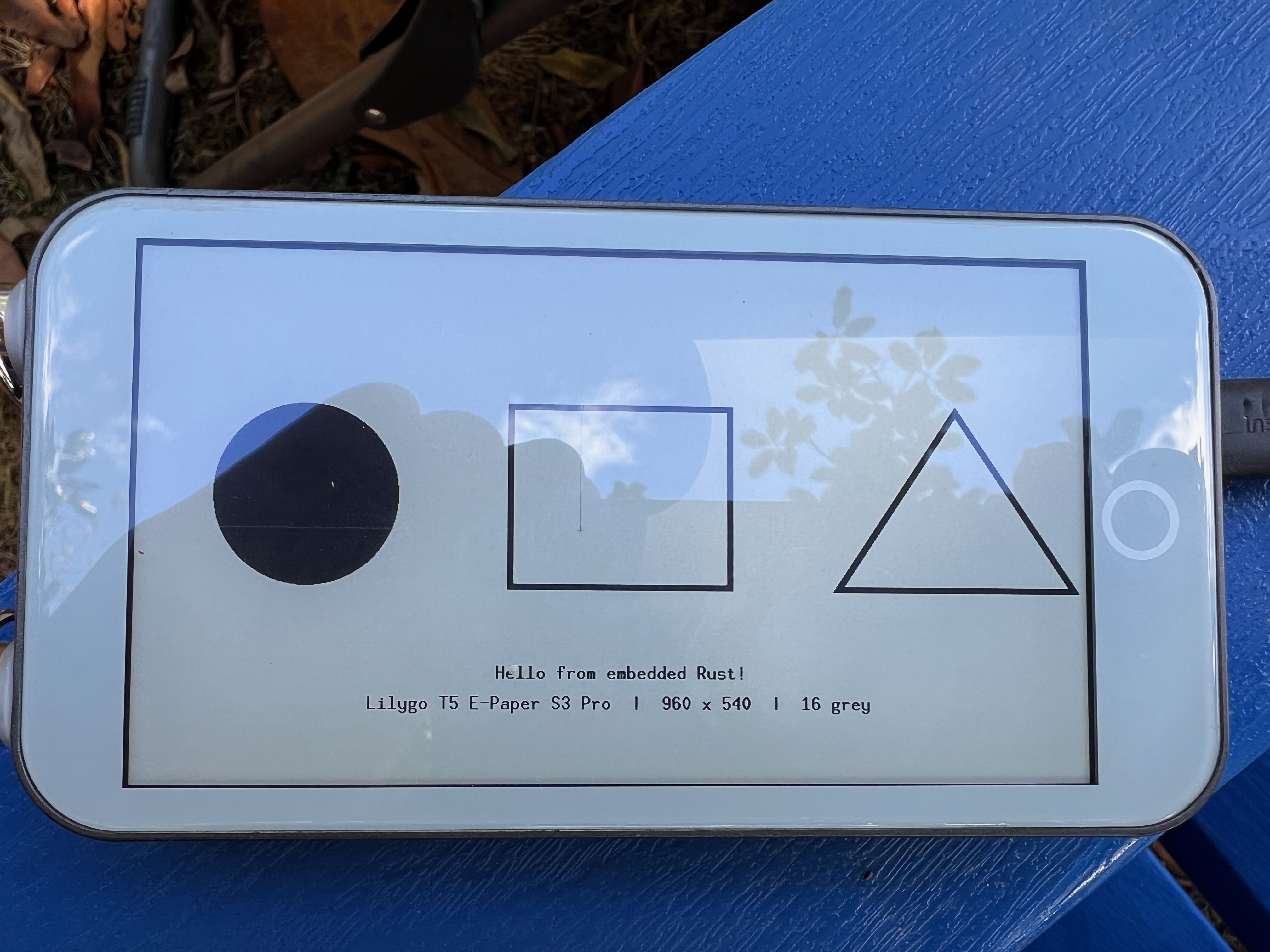
I was able to bring up rust on a lilygo e-paper display. The driver and examples are experimental, but they work surprisingly well. I plan to contribute these back to the main rust e-paper driver projects.
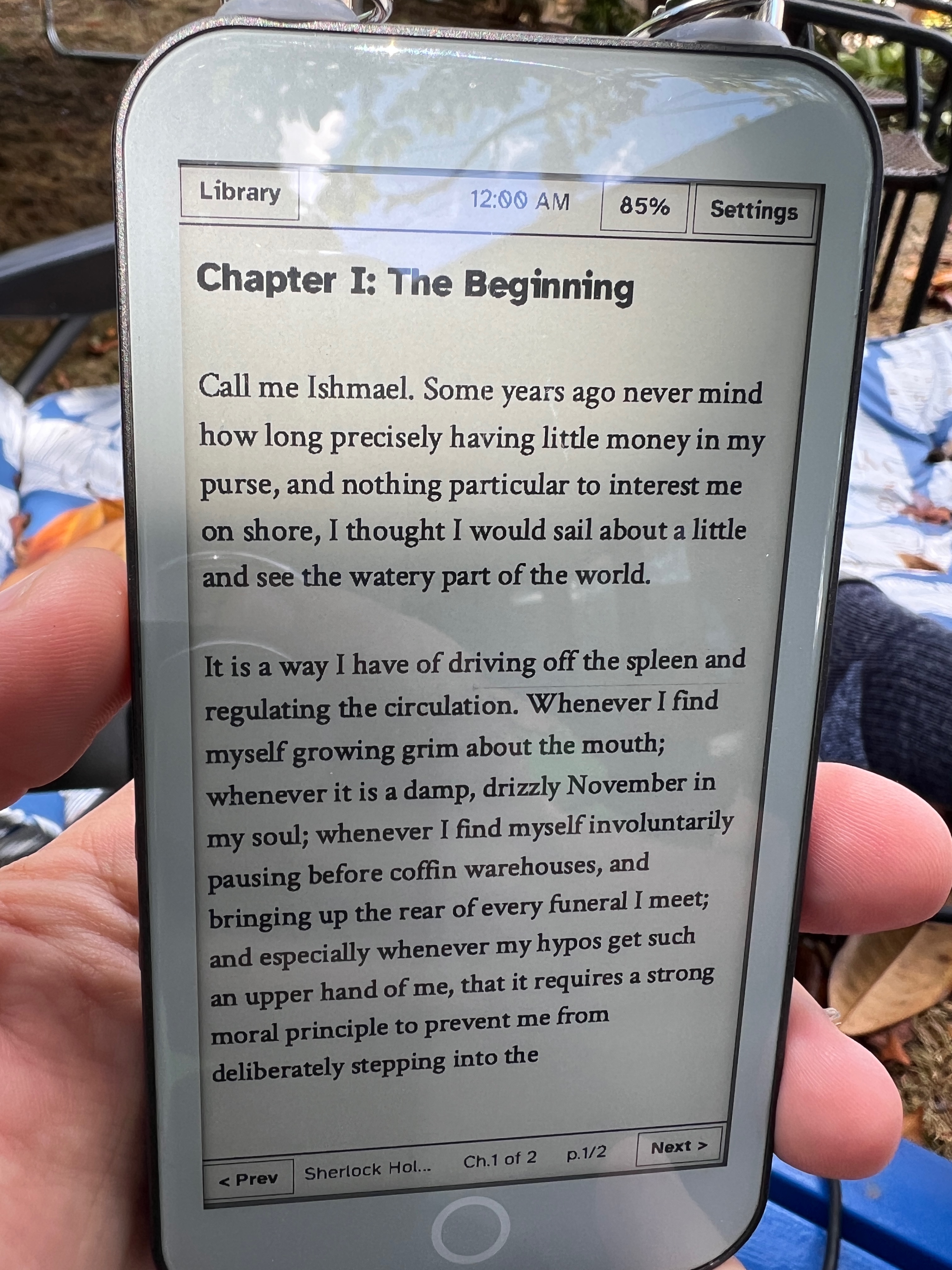
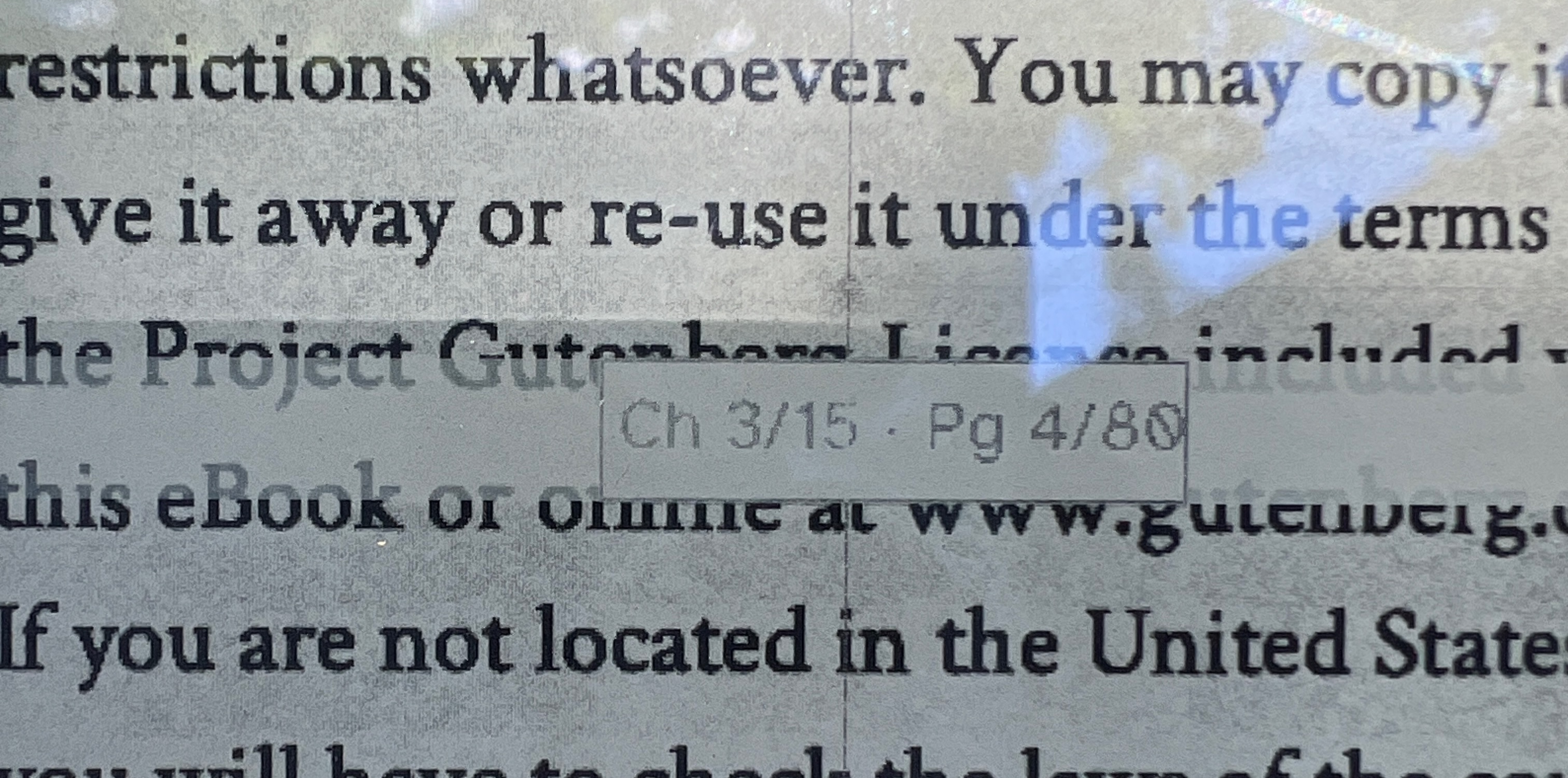
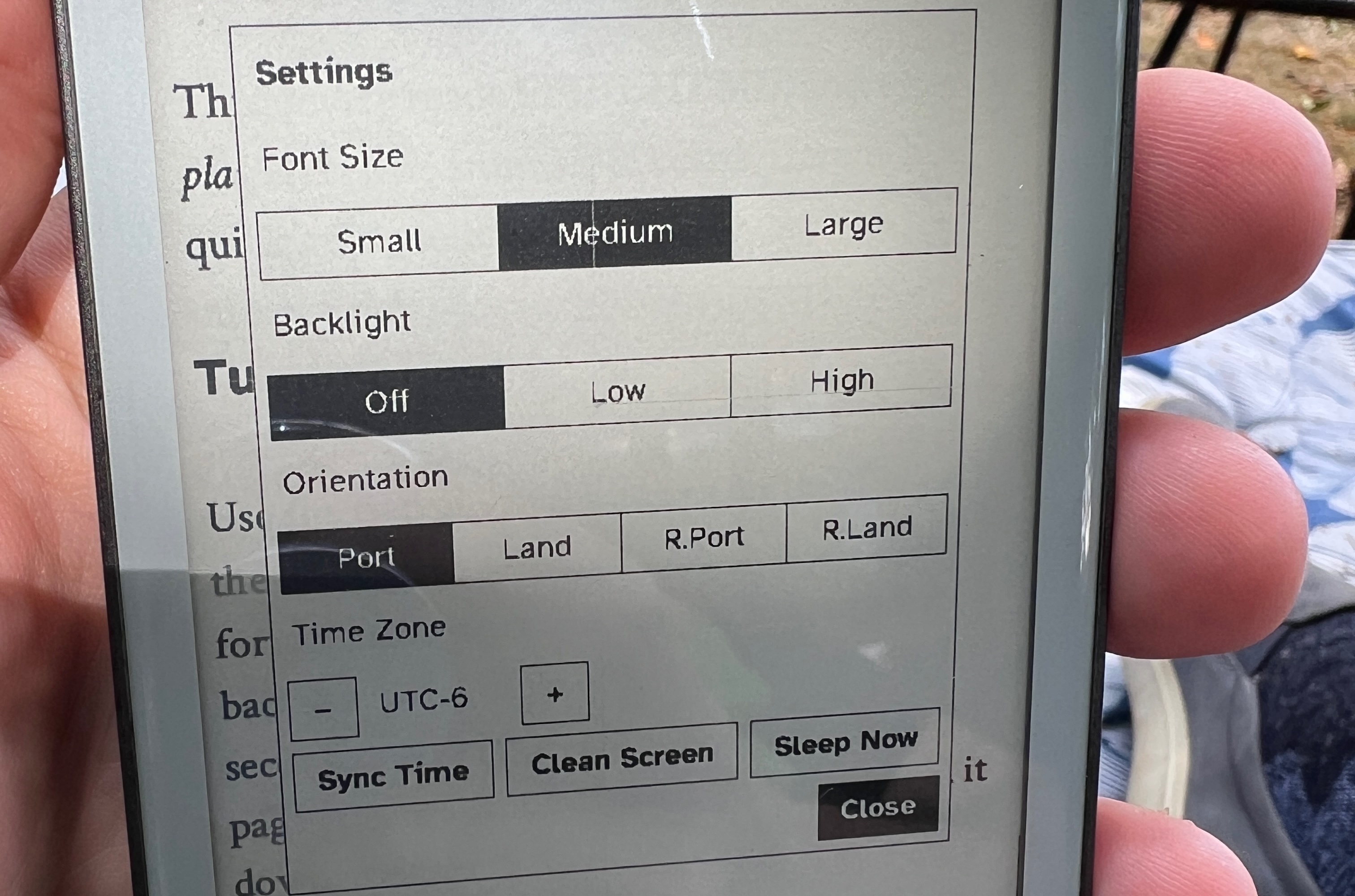
I later added e-paper support and used it to build a prototype e-reader capability of rendering full size epub books, using Iris for the UI. It combines typography, a small HTML renderer, and memory-conscious navigation. A fast-paging mode updates a small position panel when holding a scroll button, then refreshes the full page when the reader chooses a position. This makes a better user experience on a device that takes well over a second for a full screen refresh.